Your world, together
Free world clock web app
snowOrb Time is a free world clock for friends, family and remote teams. Save people and places by name, compare their local times, and find a time to call without signing up.
No signup required. Start in your browser.
A little more about Time
Keep friends and family on one world clock
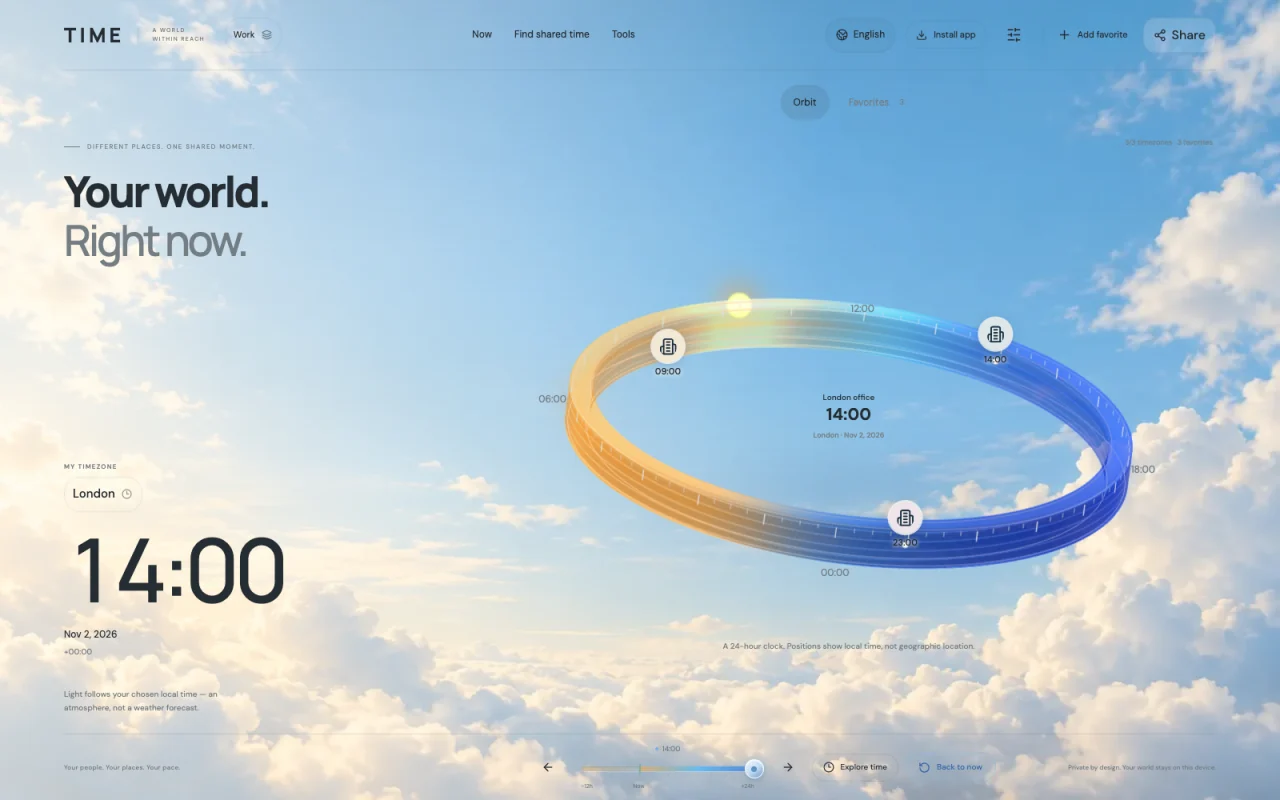
Before calling someone abroad, check their local time beside yours. Name each clock after the person or place you recognize, then keep family, friends and work in separate profiles. Move the time slider to see what a proposed call means for everyone, including their local date.
Set up a world clock for friends and family
How to compare time zones
- Choose your own time zone or use your device time zone.
- Add favorites and select a city or time zone for each one.
- Explore a date and time to see local times and date differences.
- Use the shared-hours planner with the hours you set for favorites.
Profiles, avatars and privacy
Keep work, friends and other groups in separate profiles. Add avatars, reorder favorites and filter the list. Basic use needs no account: profiles and photos are saved locally in this browser on this device. Optionally connect Google in Settings to synchronize your account's profiles, favorites and photos through Google Drive across connected devices. Sync needs internet access and a valid connection; follow any reconnect or error status before relying on another device. Export a JSON backup separately before clearing data or moving a setup.
Share a read-only meeting plan without an account
Share the orbit or a shared-hours view as a read-only link. Recipients can inspect the shared state temporarily without overwriting their own profiles. They can choose to start their own app when ready. A normal share link needs no Google sign-in; optional Google Sheets short links require a Google connection and depend on the shared file's access settings.
Compare a time with friends · Find overlapping working hours · Sync, backup and installation
UTC and Unix timestamps
Open Tools to convert UTC dates or Unix timestamps when needed. World-clock comparison remains the main view. Time-zone rules, including daylight saving changes, can affect the local date and time.
Install and language
The app and public guides support English, Korean, Japanese, Hindi, Simplified Chinese, Traditional Chinese, Russian, Spanish, French and Brazilian Portuguese. Choose a language independently of your time zone. Installation support depends on your browser. Once the app and data are available on this device, its core clock and comparison tools work offline. Google sync and online address searches need an internet connection. Installing the app does not itself create a backup.